Leave us a message

Click the button below to unlock the deal and reveal a discount code to use at checkout.


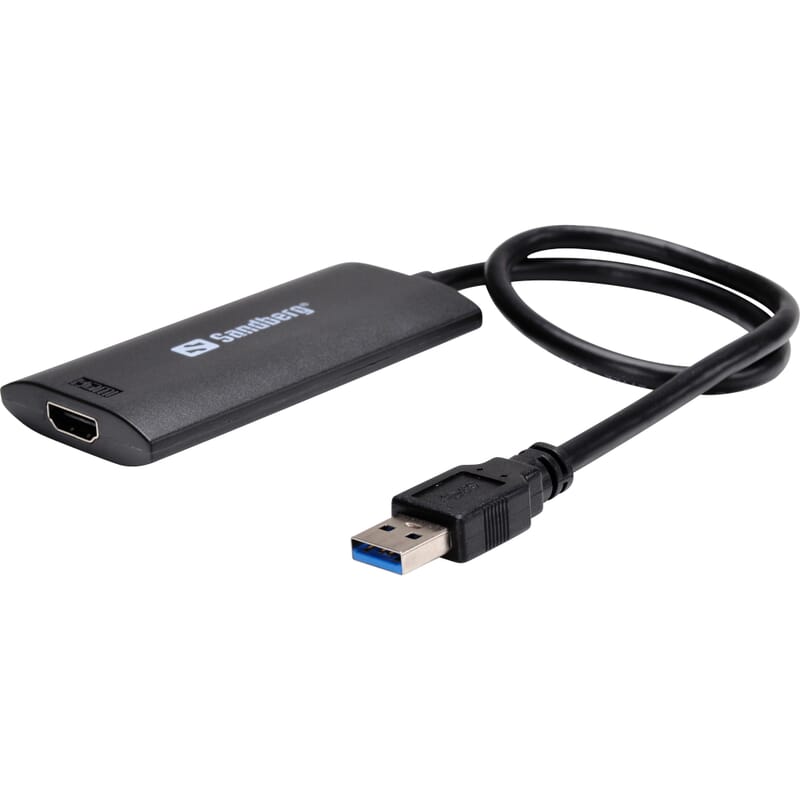
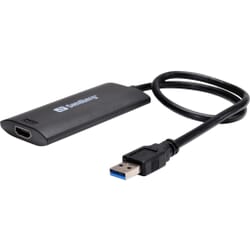
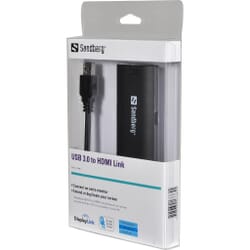
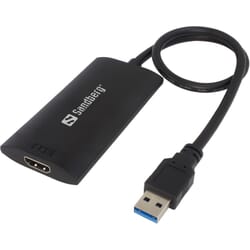
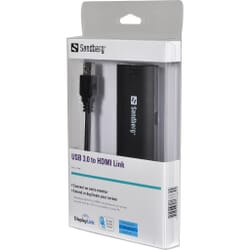
Sandberg USB 3.0 to HDMI Link allows you to connect an extra monitor, a TV or a projector to your PC.Install the included software and copy or extend your desktop to the extra screen.
 Ecommerce Europe Trustmark certified
 Fast shipping to all EU countries
 Easy RMA and returns
 Secure payment - protected by strong SSL encryption
With the Sandberg USB 3.0 to HDMI Link, you can utilize your USB port to get an additional HDMI monitor, TV or projector with HDMI input connected to your computer. Install the bundled software and copy or extend your screen to the connected device.
If you need an additional HDMI output because you need to connect an additional monitor to your PC, the Sandberg USB3.0 to HDMI link is an obvious solution. On a desktop PC, you should avoid opening your PC and installing an additional video card. If you use a laptop, it's self-evident, because on this you can normally not install additional graphics cards. Use a Sandberg USB3.0 to HDMI link, so you have quickly mounted an additional HDMI display. You can connect up to 6 pcs. USB3.0 to HDMI link to a computer, provided you have USB ports enough or a good USB 3.0 hub. Please note that the Sandberg USB3.0 two HDMI Link only works with USB 3.0.
Input: 3.0 Male Output: HDMI Female Chipset: DisplayLink USB powered Supports audio Supports widescreen aspect ratio of 16:9 Full HD 1080P video streaming Supports desktop display mirror, extend mode, multi screen mode and screen rotation mode High performance USB Graphics Engine supports resolutions up to 2048 x 1152 @ 32bit. Up to six USB3.0 graphic adapters to work simultaneously. Automatic recognition of monitor type, resolution, and features.

»The result is spectacular. It works perfectly. Both sound and video are perfect. I thought it was going to have some kind of delay, but not at all!! It always works pretty good.«

Data sheet
You might also like
Sandberg USB 3.0 to HDMI Link allows you to connect an extra monitor, a TV or a projector to your PC.Install the included software and copy or extend your desktop to the extra screen.